
Stock & IMEI
Every device, its IMEI, grade, cost and asking price — with the full history of that phone one click away.
212 devices trackedNow on macOS and Windows
Stock, IMEI history, billing, repairs and profit — fast, offline, and yours. The board greets you in today's real sky, over your city.
For Mac · macOS 14+ · Apple Silicon · 38 MB · no account, no fee
Your live sky · shop figures are sample data
Live weather · nothing staged
No scene switcher, no demo. The page reads your city from the connection, asks Open-Meteo what the sky is doing right now, and paints exactly that — the real photograph by day, the rendered moon and stars after dark, with the light and particles of the reported condition. What you see is this moment, not a sample.
Reading your city…
Reading the sky…
Current conditions from Open-Meteo
Open-Meteo · waiting for the first reading
City and country come from your internet address — no location prompt, no device permission, nothing stored on our side. The weather itself comes from Open-Meteo.
Clear, partly cloudy, overcast, rain, thunderstorm, snow, fog and their night versions each get their own light, grading and particles. The page follows the report — you never pick a scene.
The shop never needs the internet. If the app cannot look outside, it keeps the last reading it saw and carries on billing.
The day
Five screens carry the whole counter. This is what a real Wednesday looks like inside PhoneHub Pro — timestamps are illustrative, numbers are sample shop data.
The drawer opens at the figure you counted last night. Cash handling records the opening float so the day closes against something real.
Drawer · AED 48,600 openingNo saved profile needed. Scan the IMEI, take a first name, print the VAT invoice, and the stock value and profit update the moment the bill lands.
Sale · 12 seconds · invoice printedThe ticket is booked against the exact phone, part cost and all. When it is collected the profit is honest, because the repair cost sits on the device's own history.
Repair · 5 open ticketsFive open bills, AED 7,350 still to come in. Accounts shows who owes what, since when, and against which device — so nothing is remembered by hand.
Receivables · AED 7,350Revenue, repairs, expenses and the drawer total land in one closing sheet. It matches what is physically in the till, or it tells you exactly where it does not.
Close · revenue AED 18,450What's inside
Every device, its IMEI, grade, cost and asking price — with the full history of that phone one click away.
212 devices trackedScan, bill, print. A proper tax invoice for a customer you have never seen before, in seconds.
Walk-ins welcomeIntake to delivery, with parts booked to the device so the final profit is not an estimate.
5 open ticketsMoney back, exchange, or a loan from a friend recorded properly — including against a single phone.
No dead endsDrawer totals, movements and a day close that matches the physical till — not a guess.
Opens & closes dailyRevenue, margin, stock value and receivables over any period, including the money still owed to you.
AED 96,400 potentialScreens, figures and names are sample shop data.
Why shops switch
One database on your machine, automatic daily backups. No cloud account, no server in another country, nothing to leak. If the internet dies, your shop doesn't.
Sell to a customer who gives only a first name. Record a loan from a friend. Book a supplier refund against one phone. The real life of a phone shop — handled.
A USB barcode scanner works on every screen without clicking a field first, and any printer macOS or Windows already knows will print your bills and stickers.
No trial, no locked features, no monthly fee. One download and the whole counter is yours — Mac or Windows.
The tour
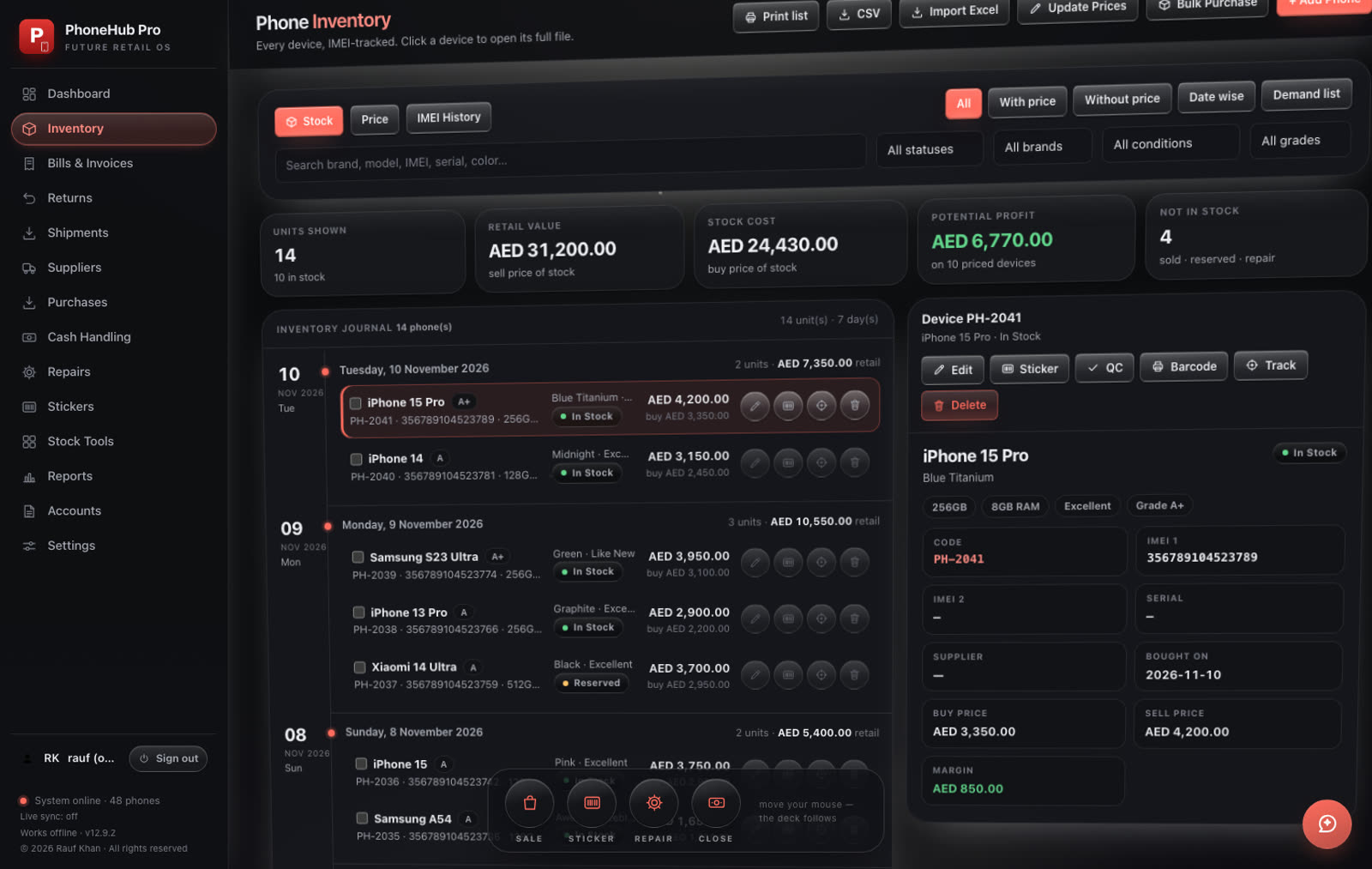
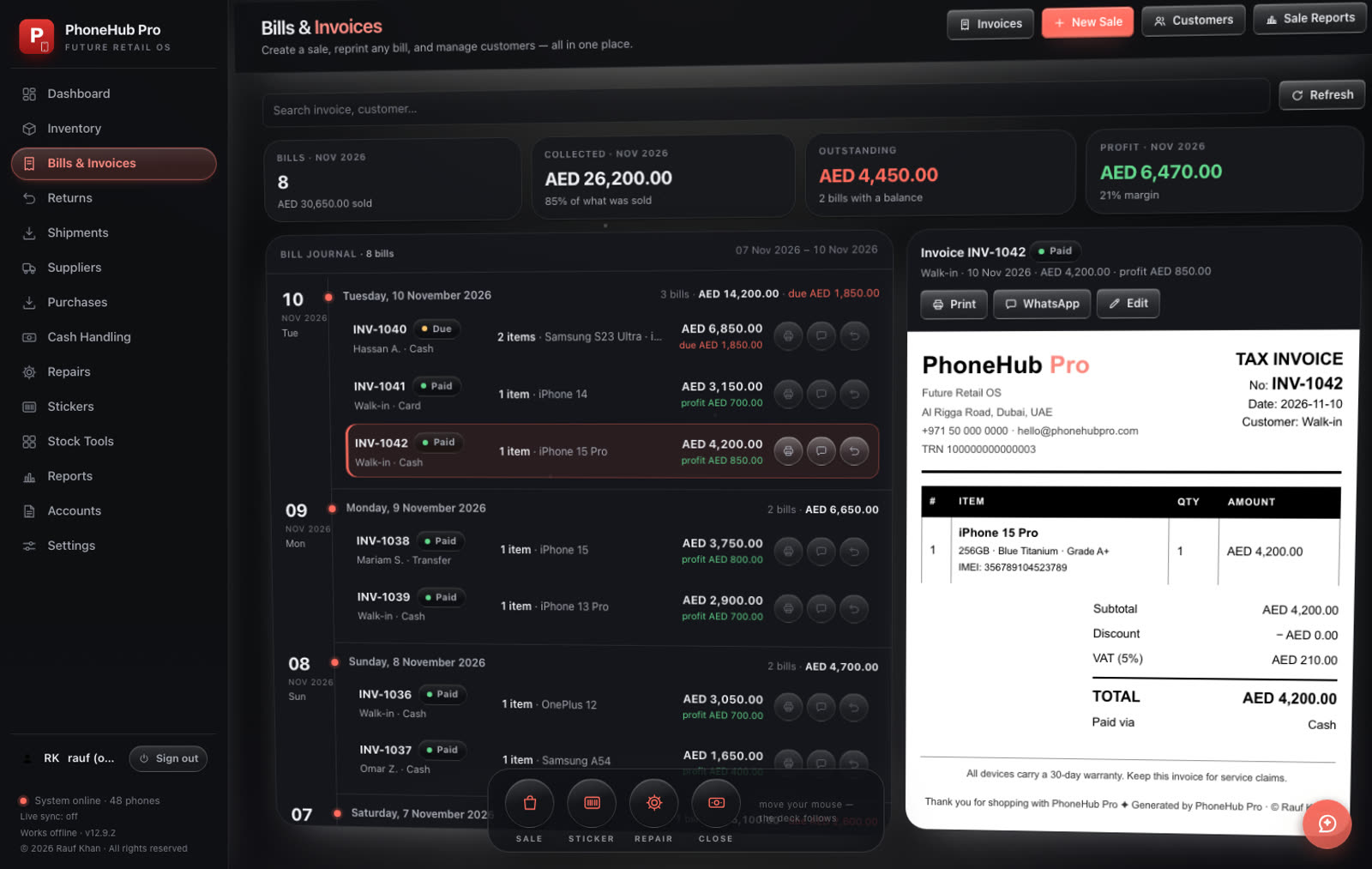
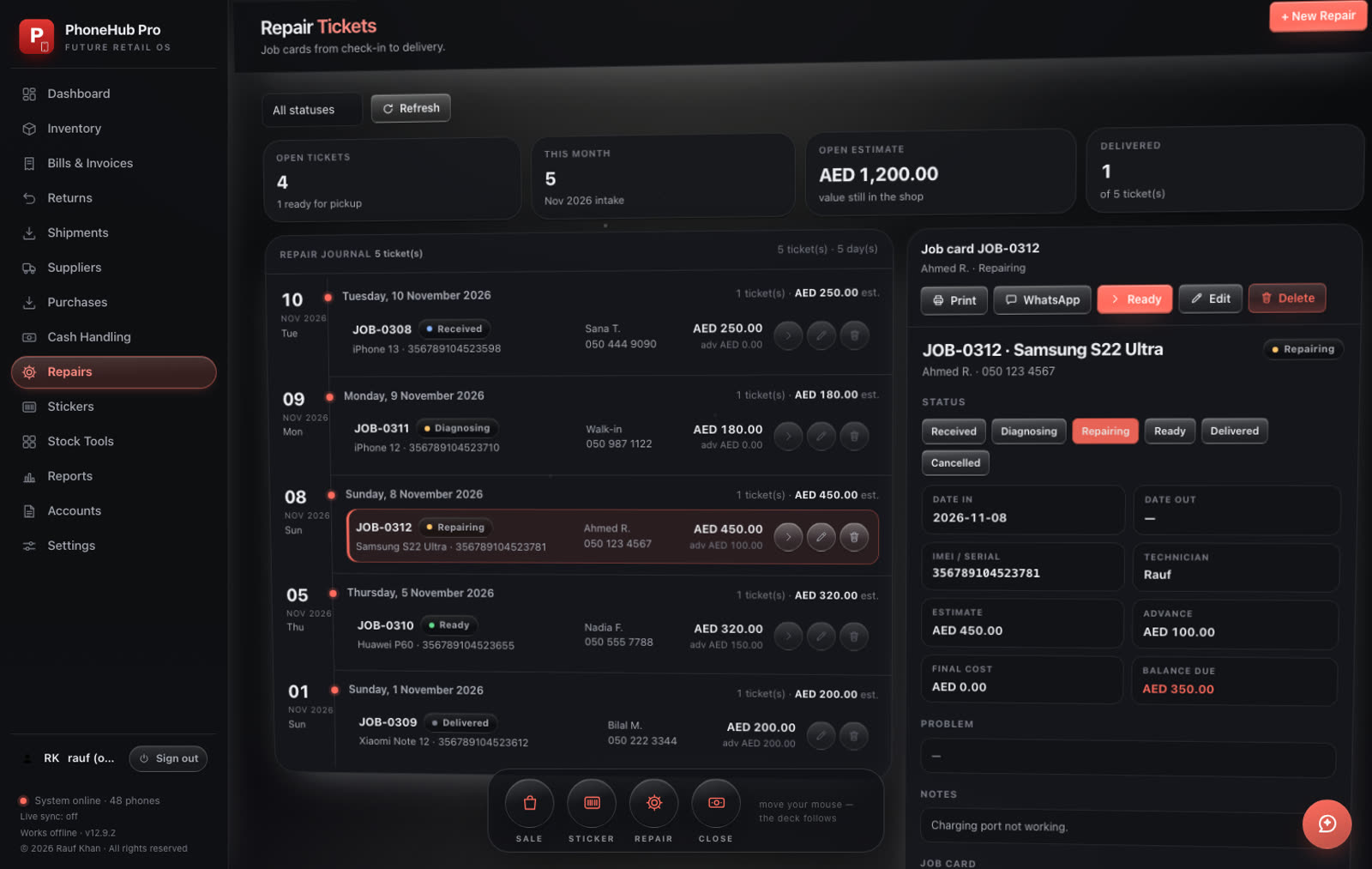
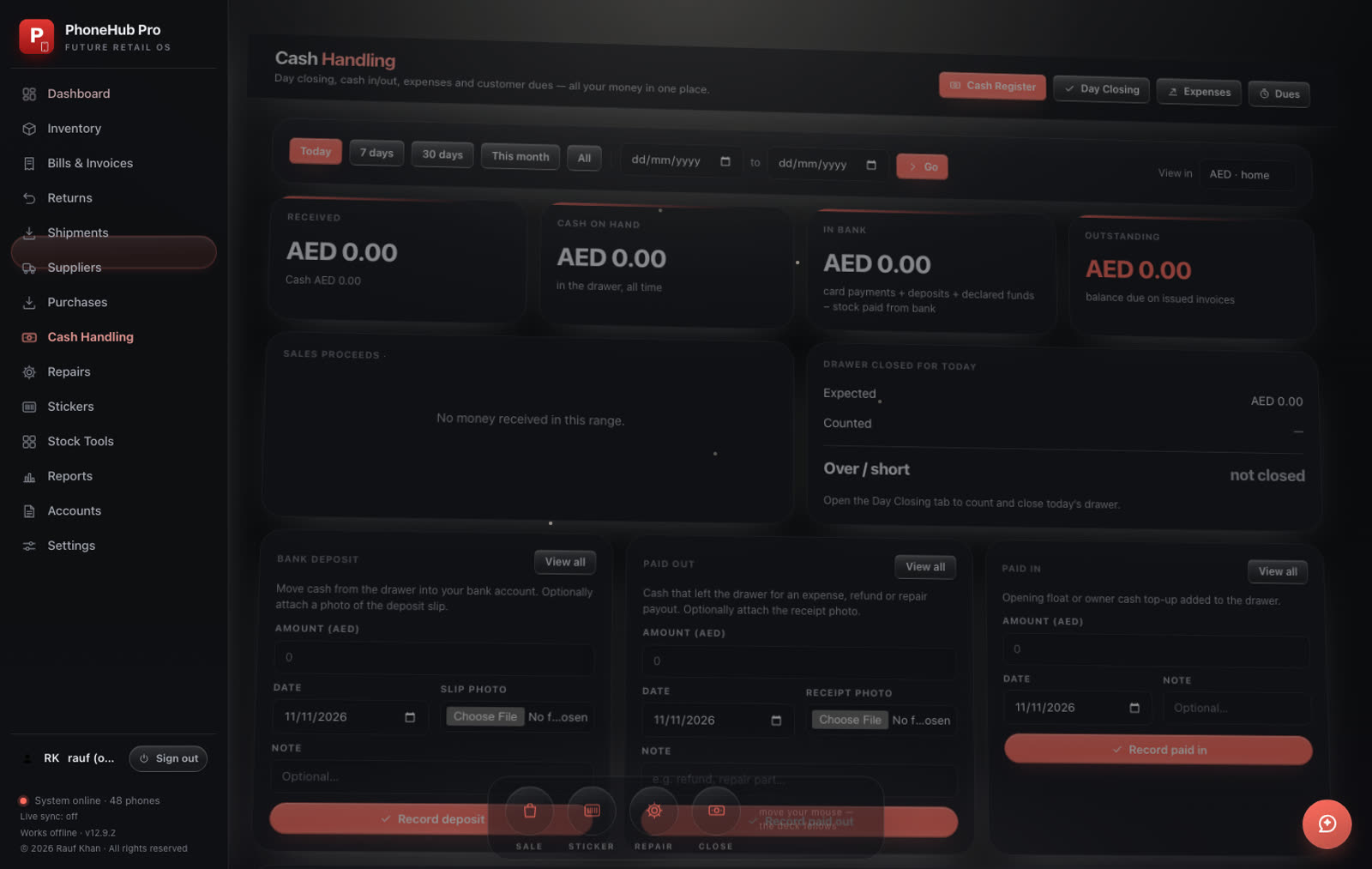
Real screens. Sample shop data.
Themes
Setup
Double-click the DMG to open the installer window.
If macOS warns about an unidentified developer: right-click → Open → Open. Ten seconds, once.
Data lives in one folder on your machine, backed up daily.
Runs on macOS 14+ (Apple Silicon) · Windows 10/11 64-bit · any printer your computer already sees · USB keyboard-wedge scanners
Free download
No account · no subscription · your data, your machine
Also available for Windows.
Questions
No. Inventory, bills and repairs are stored in a single database on your computer, with automatic daily backups. Nothing to sign up for, and it opens without internet.
Once — and it is a 10-second fix. PhoneHub Pro is distributed directly by its maker instead of through paid developer programs, so a new computer shows a warning the first time. On Mac: right-click (or Control-click) the installer → Open → Open. On Windows: click More info → Run anyway. The installed app opens normally after that.
Yes. The same shop features, a separate Windows 10/11 installer (64-bit), also running entirely on your own computer.
No. There is nothing to buy and no monthly fee.
From your connection, not your device — there is no location prompt. Only the city and country are used to look up the current weather, and nothing is stored on our side.
The live sky on this page does, and so does the app's Sky board — it keeps the last sky it saw for offline use. The shop itself never needs the internet.
Email support@phonehubpro.com with your computer model and what happened. A screenshot gets you the fastest answer.